


The Challenge
& the Plan to Fix It
Every brochure, post, and deck started from zero, causing rework, visual inconsistency across channels, and production time that couldn’t keep pace with the company’s growth. The fix was a 6-month transformation plan, structured into four sequential phases, from diagnosis to measurement.
01. Diagnosis & Quick Wins
Map bottlenecks, audit assets, organize Figma, test AI tools.
02. Build (Design System + AI Skills)
Build the design system and the AI skills that make it executable.
03. Adoption
Publish the Skills Library and bring the system to the team.
04. Measure, Learn & Improve
User research, adoption and performance analysis, prioritized backlog.

What Was Built
The system was designed in layers, each depending on the last, so nothing in any deliverable would ever need to be invented from scratch again.
Design Tokens
7 token files (colors, typography, fonts, spacing, radius, shadows, animations) aggregated into a single styles.css. Sharp corners (0px) by default.
Component Library
32 reusable React components: 13 primitives (Accordion, Avatar, Badge, Button...) and 19 section components (Navbar, CtaSection, FaqAccordion, HeroLeadForm...).
Production Templates
6 brochure families, 2 letterheads, 4 paid-ad formats (Google/Meta), 3 social media formats.
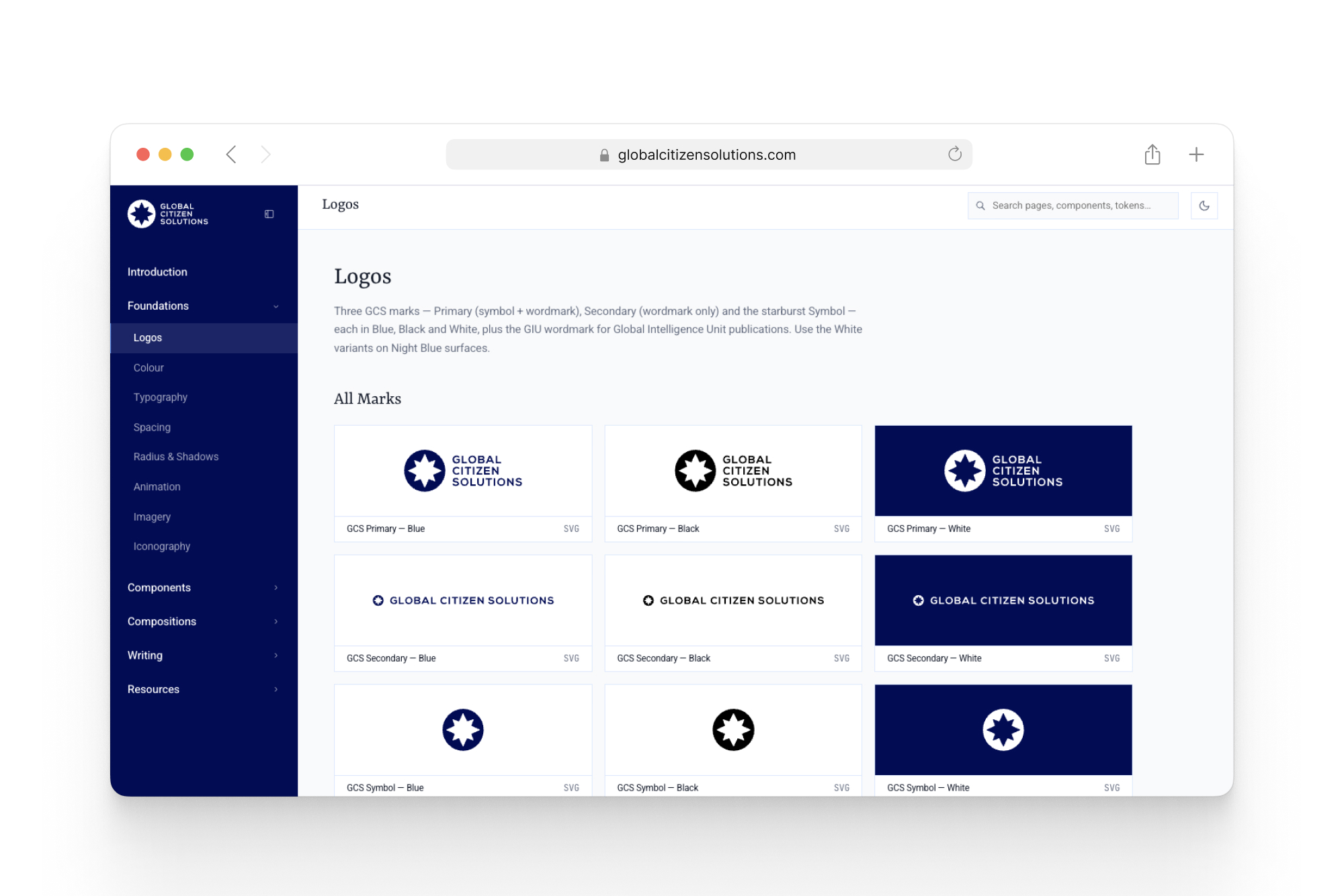
Self-Hosted Brand Assets
Icons, flags for 255 territories (37 legacy exceptions in SVG), logos, and passport imagery, all hosted within the system itself.
AI Skills
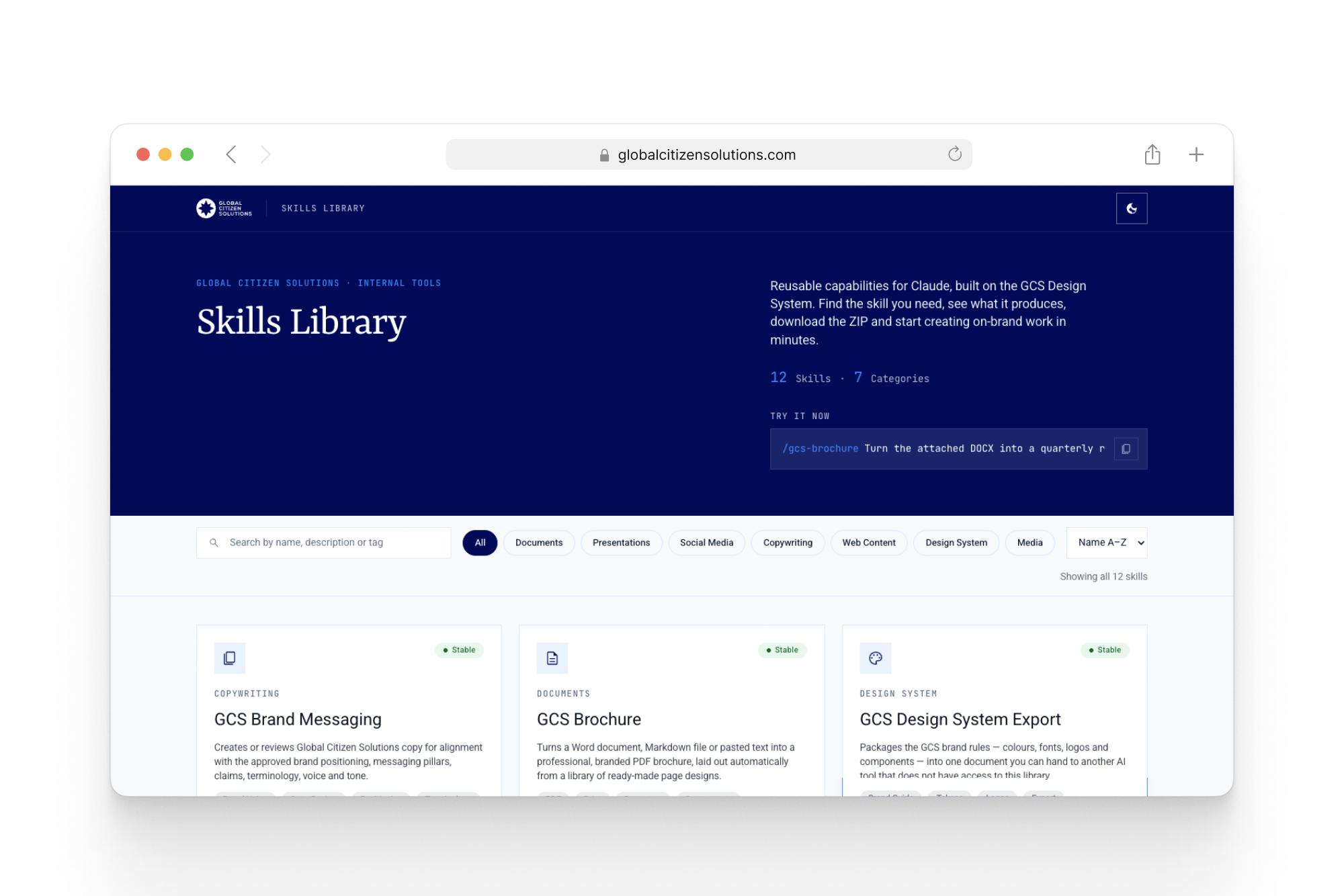
More than eight published Claude Skills, each one solving a specific type of deliverable.
/gcs-brochure
Word, Markdown, or plain text → branded GCS brochure PDF, via Puppeteer.
/gcs-docx
Editable Word documents with the correct letterhead (general or legal).
/gcs-pptx
Branded, editable PowerPoint presentations.
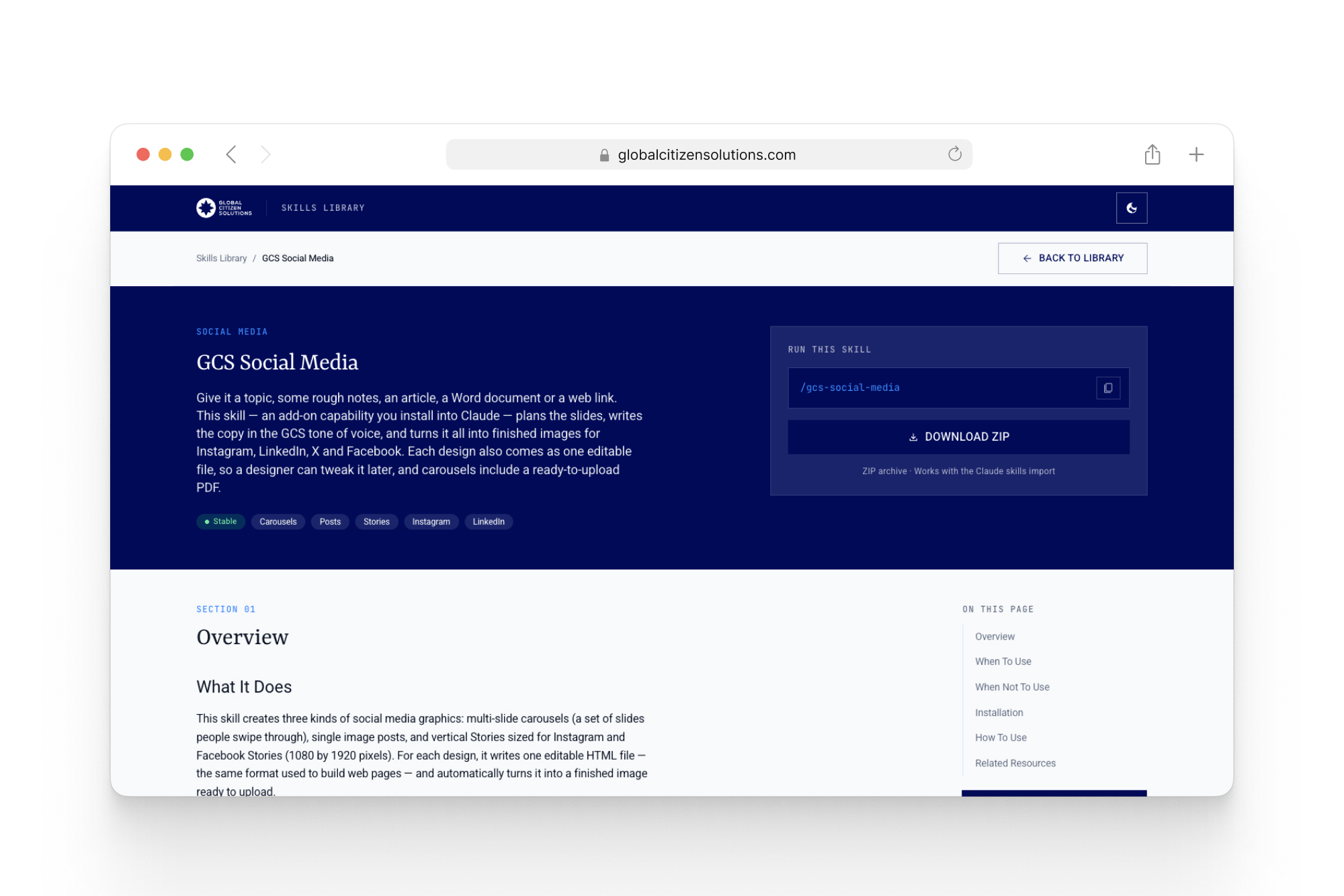
/gcs-social-media
Carousels, posts, and stories for Instagram/LinkedIn/X/Facebook.
/gcs-table-chart
Responsive HTML/CSS tables and charts for WordPress/CMS.
/gcs-elementor
Elementor V4 JSON sections for the institutional site.
gcs-design-system
Exports the brand brief (tokens, components, rules) for use in another AI tool.
gcs-image-generator
On-brand image generation following the brand’s imagery guidelines.

Documentation
& How It Connects
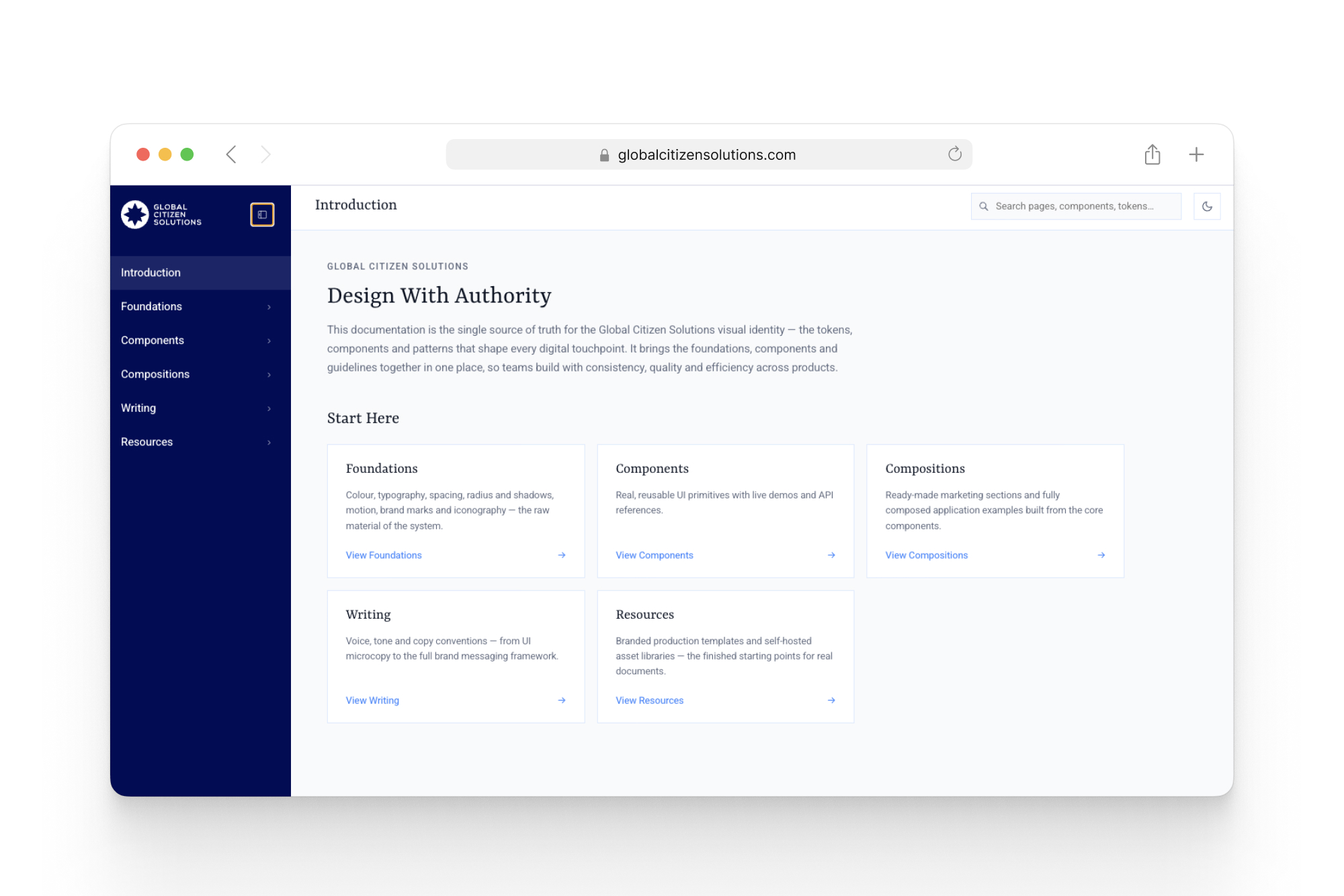
Documentation Site
A browsable site that reads the system itself — organized into Foundations, Components, Compositions, Writing, and Resources. “Design With Authority.”
Public Skills Library
A dedicated page per skill — description, requirements, usage examples, download — so anyone on the team can find and install the right skill.
Usage Manuals
Dedicated onboarding manuals training end users directly, beyond the technical docs.
Why Standardizing Writing & Imagery Matters
Every sentence written for a client needed to carry the same tone of calm authority that is the house brand, and every image chosen needed to communicate the same institutional seriousness — even when generated by AI, even under a tight deadline.
The same speed the AI Adoption Plan brought would be the same speed at which a tone mistake or an off-brand image could spread across every channel at once. Standardizing writing and imagery wasn’t polish — it was extending brand curation to exactly where generative AI most needs direction.


Results
The figures below are operational estimates built from the team’s mapped workflow (before vs. after), not a formal time-tracking audit.
80% faster
Brochures & reports:
1–2 days → 2–3 hours with gcs-brochure.
85% faster
Carousels & stories:
3–4 hours → 30–40 minutes with gcs-social-media.
2.5x
Output volume:
60 → 140–160 pieces/month, same headcount.
80% adoption
16 of 20 Marketing team members used at least one of the 8 skills.
“The recurring pattern reported by the Marketing and Content team was operational relief. No longer ‘starting from zero’ on every request, and gaining delivery predictability on pieces once treated as bottlenecks.”
- Marketing & Content team, and leadership
Conclusion & Next Steps
With the system in use, the cycle closed with the validation phase: user research and interviews with the Design and Marketing teams, and an adoption/performance analysis cross-referencing skill usage data with the time and volume gains above, producing a prioritized backlog around three next-cycle priorities.
Measure gcs-elementor Time
Track how long the skill takes to build a new page and to maintain an existing one, calibrating the estimated gains.
New Skills
The Skills Library launched with 8; the backlog already maps the next ones.
Usage Visibility
Who uses what, how often, to guide targeted training.
Reflection from the Lead Brand & Creative AI Designer
My job stopped being about designing each individual piece and became designing the system that designs the pieces — the brand, the AI agents, and the team all operating from the same source of truth. A well-built Design System doesn’t replace creative judgment. It makes room for it.


